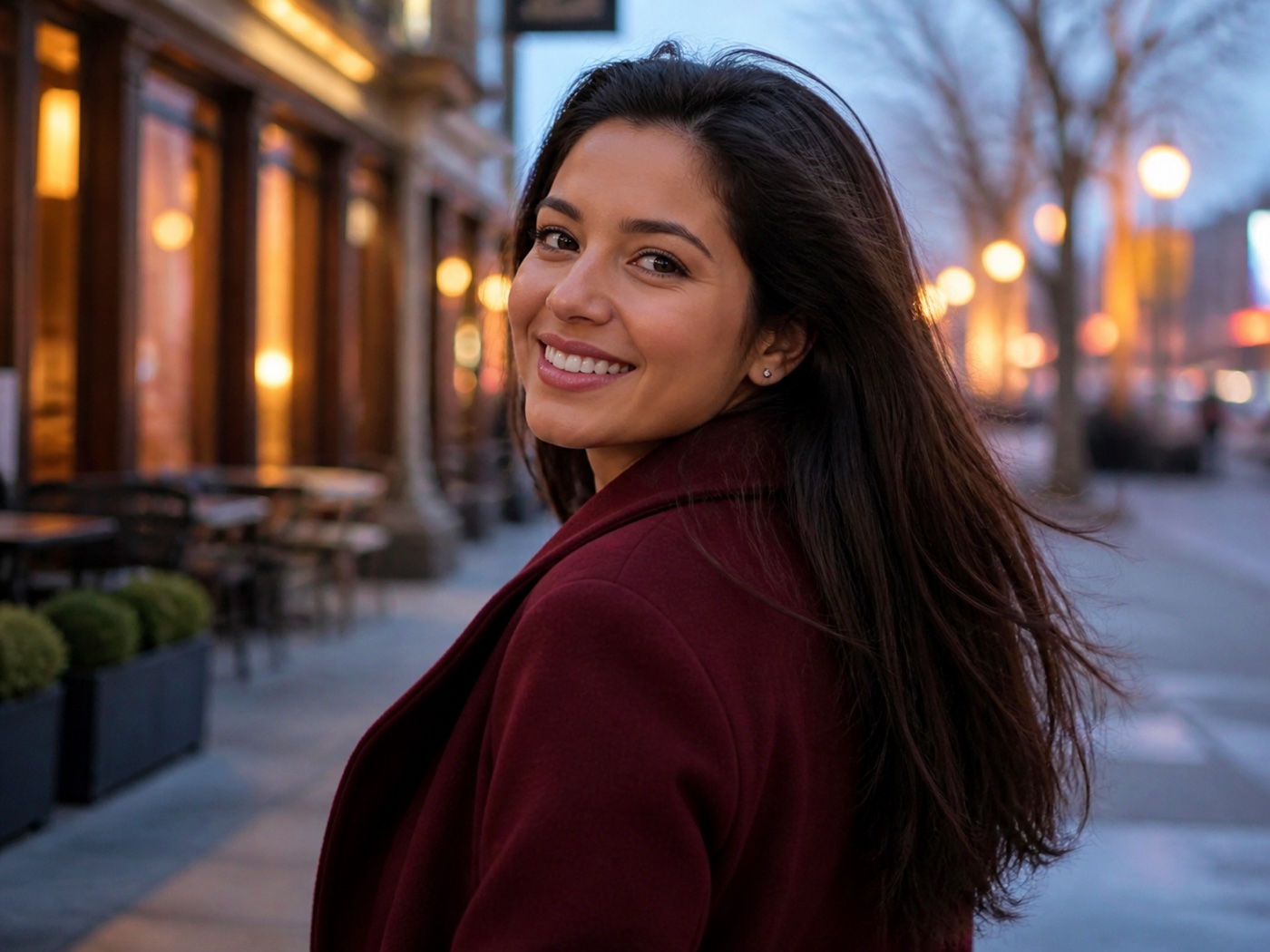
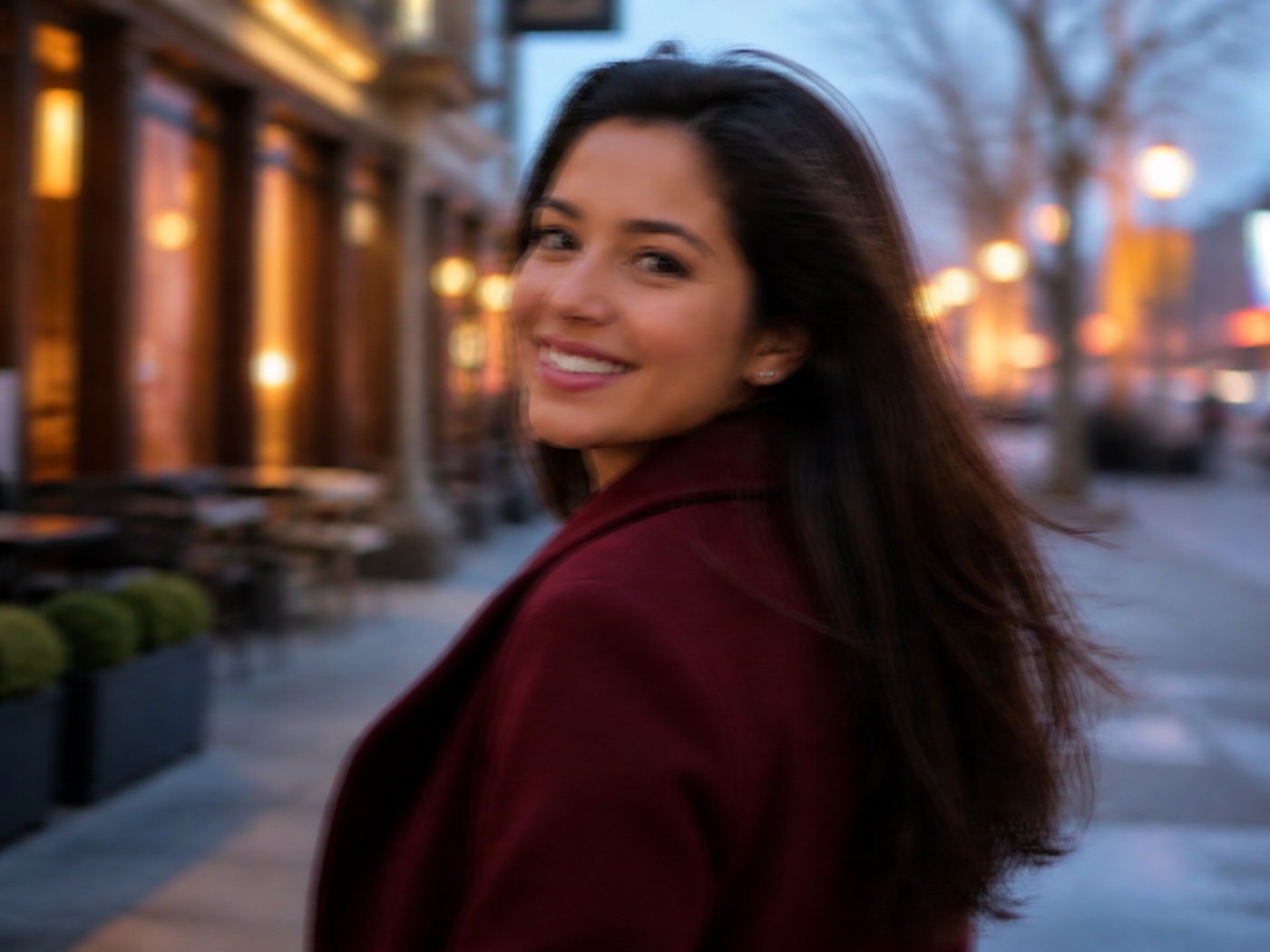
Moderate motion blur
Reduce short directional trails around faces, clothing and high-contrast edges.
Recover useful detail from soft focus and moderate motion blur.
AI editing sends your images to third-party providers. Authorized staff may review separate private copies for up to 24 hours. Our deletion deadlines do not apply to providers’ copies. Photo storage and deletion.
Choose one photo and this tool starts automatically.
No—mild missed focus, short camera shake and moderate motion blur have the best chance of improvement. MendTrue recovers edge definition conservatively, then lets you compare hair, eyes, hands and text before adding any optional upscale step.
Reviewed · MendTrue methodologyImprove edge definition and local contrast while avoiding the crunchy halos and plastic skin caused by aggressive sharpening. Severe motion blur cannot always be reconstructed reliably.
Try this presetMotion, camera shake and missed focus leave different traces. The preset first reads that pattern, then restores edge definition without turning skin into a sharpened texture map.
Reduce short directional trails around faces, clothing and high-contrast edges.
Stabilize doubled edges caused by a small movement during exposure.
Improve local definition when the subject is recognizable but lacks crisp detail.
Rebalance detail lost after repeated resizing or messaging-app compression.
Clear expectations matter: a slightly soft portrait can improve substantially, while a long motion streak contains much less recoverable information.
Reduce mild subject motion from quick handheld photos taken in low light.
Correct small camera-shake patterns without applying aggressive global sharpening.
Bring the recognizable face forward while preserving natural skin texture.
Recover clarity from a reasonably sized image that has been resized several times.
Fix blur before upscaling so the enlargement step does not amplify the original softness.
Avoid screenshots and look for the original burst or camera file when possible.
Let the preset recover moderate edges before trying a stronger reconstruction.
Inspect eyes, hair, hands and any text, then add 2× upscale only if needed.
The less recognizable the source, the more any result depends on generated guesses rather than recovered detail.
Try the conservative presetNo. Mild and moderate blur can improve, but information lost to severe motion or missed focus may not exist in the source.
The natural setting limits face reconstruction and favors conservative edge recovery.
Yes. The workspace applies them in a safe order so blur is addressed before final enlargement.