Botanical field notes
A flower study in watercolor, pressed-paper texture and quiet pencil marks.
The artwork is an independently created AI style example. Your own photo determines the finished result.
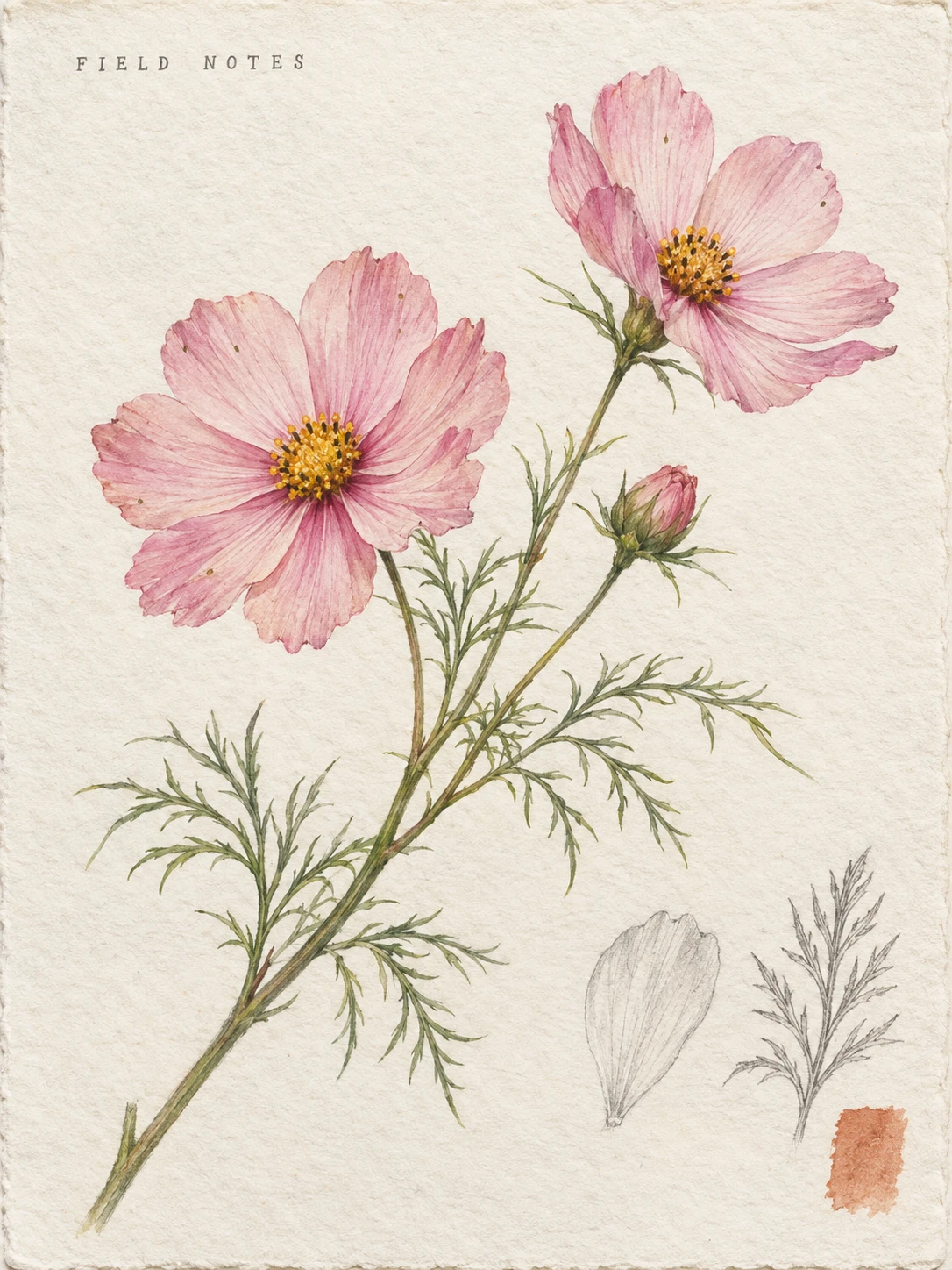 AI style example
Nature journals, garden stories and personal stationery.
The art direction
One diagonal watercolor specimen with small observed-detail studies.
Specify which branch to study; add labels later if you have verified them.
Designed for portrait 3:4 · Higher-detail setting included- Petal forms, branches and colors still identify your plant.
- No invented species label or medicinal claim.
- Small studies repeat details visible in the upload.
See the prepared edit instruction
Transform the visible flower or botanical arrangement into a portrait 3:4 watercolor field-notebook page. Preserve the recognizable flower count, petal forms, leaf arrangement, stem branches and observed colors; translate texture into delicate watercolor and colored pencil without inventing a species. Lay the stem diagonally across off-white cotton paper, with thin graphite outline studies of one existing leaf and one existing petal near the bottom. Use a restrained muted green and soft blush palette based on the source, visible paper fibers, generous blank margins and a small terracotta pigment swatch. Write only the small graphite heading "FIELD NOTES" upper left. No Latin name, scientific identification, measurements, medicinal claim, extra flower species or watermark.
This instruction is ready in the workspace below. You can customize it before generating.Upload Image
−55 creditsAI editing sends your images to third-party providers. Authorized staff may review separate private copies for up to 24 hours. Our deletion deadlines do not apply to providers’ copies. Photo storage and deletion.
Drag and drop or click to browse
JPG, PNG, WebP, HEIC/HEIF, AVIF, TIFF or camera RAW · up to 100 MBNatural suits lighting, color and everyday edits. Repair suits scratches, fading and old prints. Both follow your prompt; compare faces, text and untouched areas with the original.
Quality sets a generation preference, not a fixed pixel size or a different model. Even the highest setting does not guarantee 4K or 4× dimensions. Check the actual output size below the result.
Prompts are screened before generation. Adult, sexual, harmful, abusive, deepfake and deceptive identity content is not allowed. Acceptable Use Policy.
View Result
AI style exampleA clear photo of one flower stem or small botanical arrangement.
Your generated result will appear here after you upload a photo and start an edit.Historical pictures
Your generated results will appear here