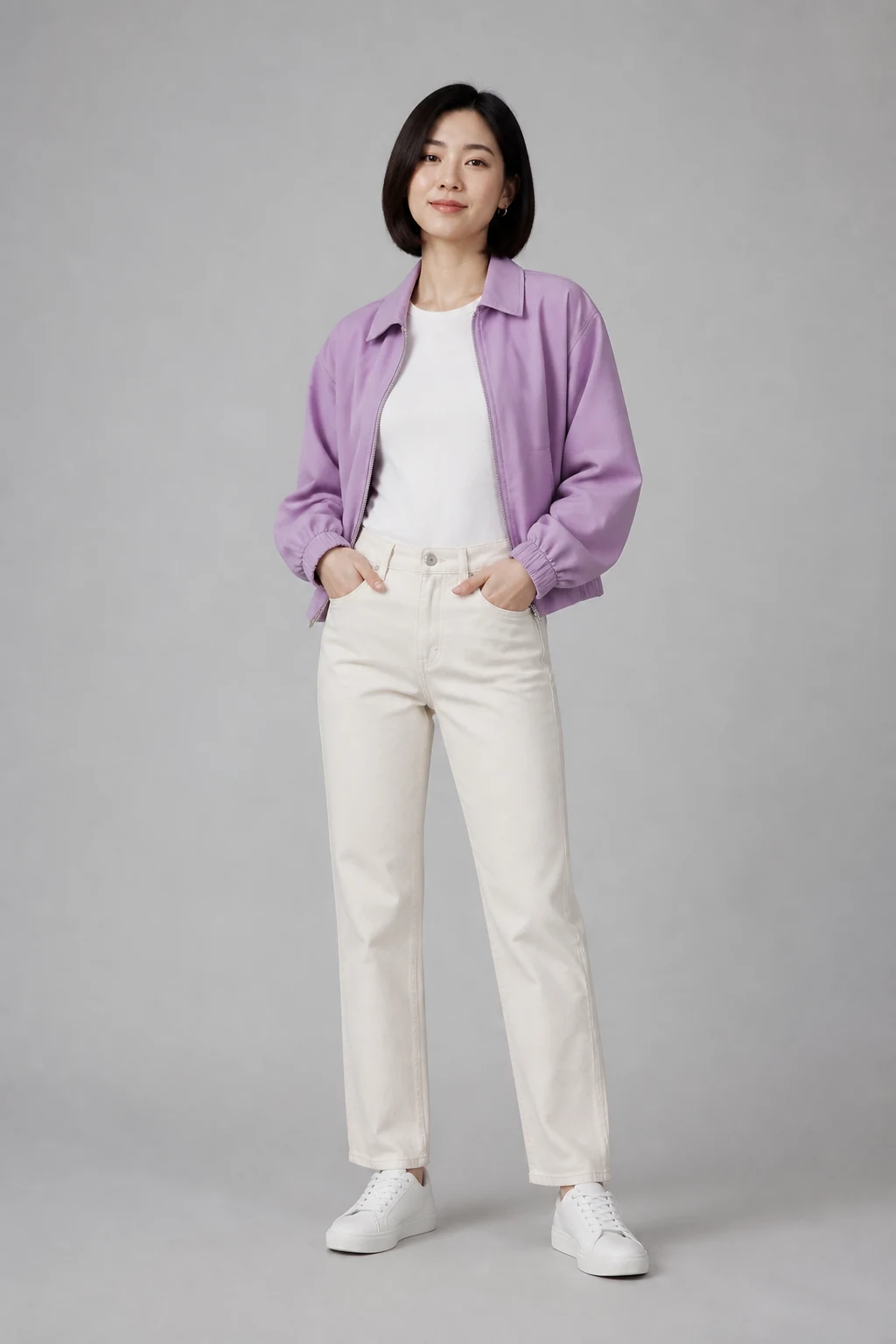
 Source photo
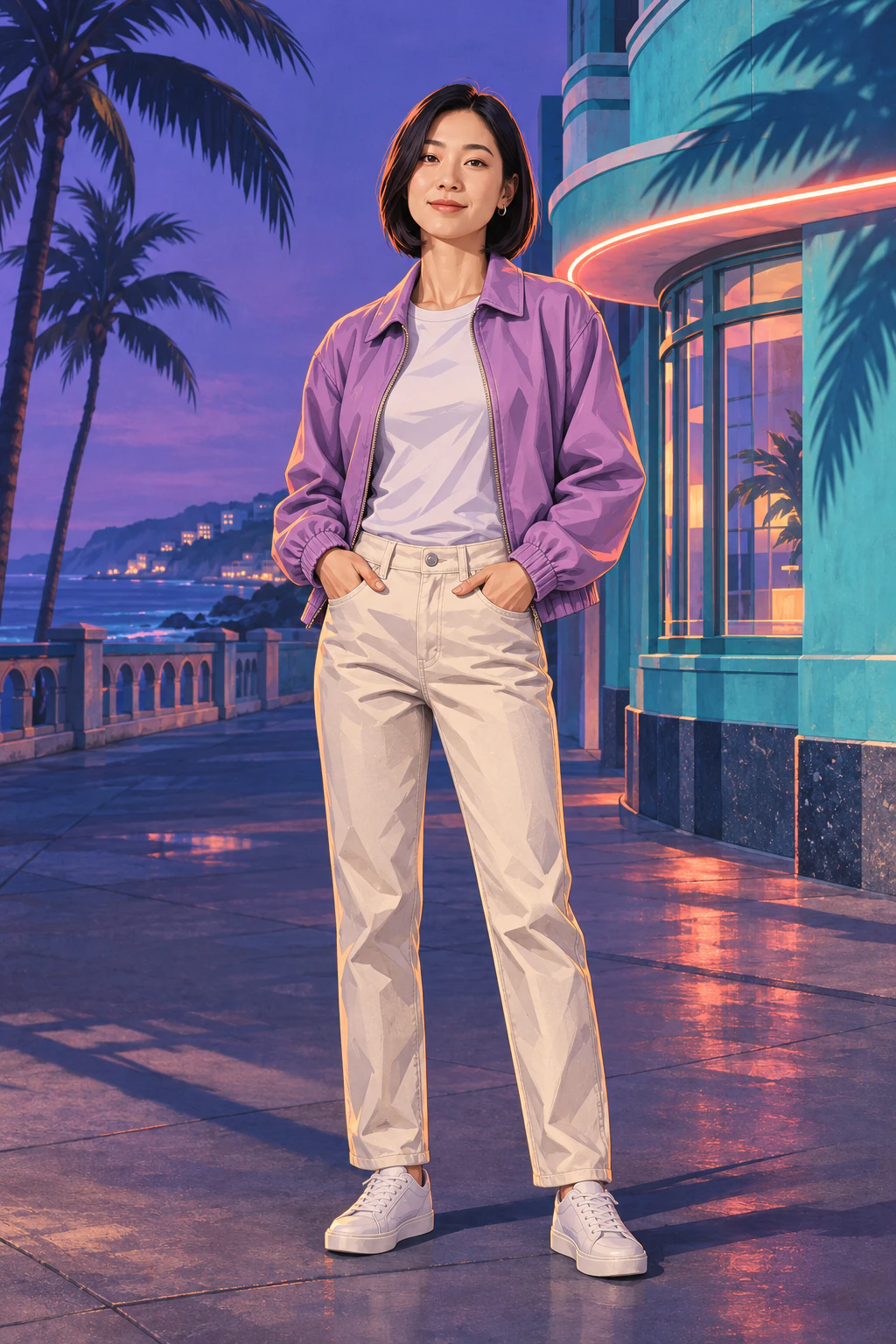 Blue-hour street
Copy the base prompt
Use the full prompt with a photo editor that accepts an image and an instruction. In MendTrue the preset supplies the poster style. Upload your photo and open Add a direction if you want to change the scene.
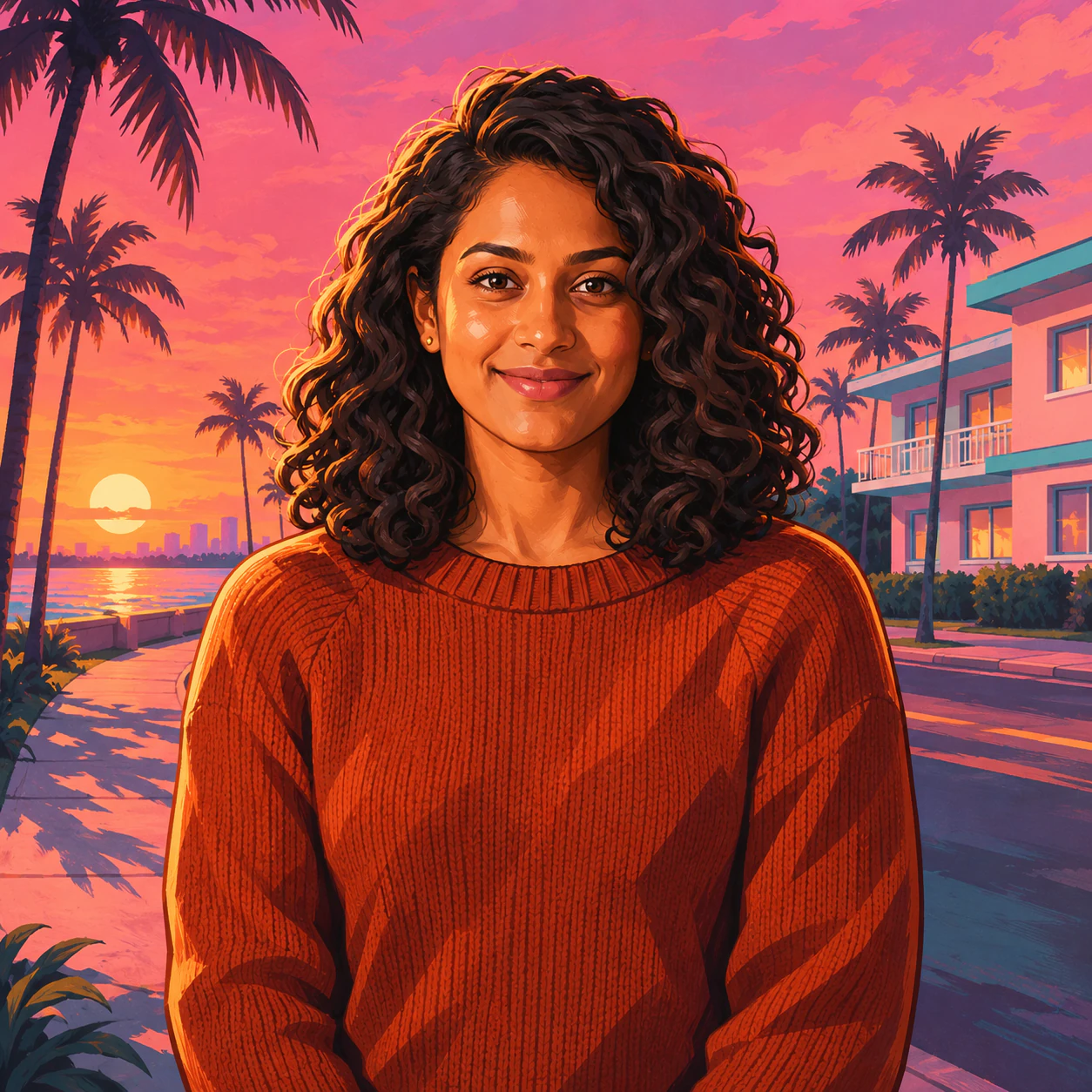
Keep the person’s face shape, skin tone, hairstyle, outfit, pose and framing from my photo. Draw an original coastal open-world game poster with crisp ink contours and broad painted shadows. Place the person on a palm-lined street at sunset. Keep soft light across the face and leave the storefront signs unlettered.
Change just the light
For a warm sunset, add “Set a low apricot sun behind one shoulder. Keep neutral fill light on the face.”
For a blue-hour street, try “Place one coral light along a turquoise storefront at dusk. Keep the lilac jacket and natural skin tone.” Use the garment and color in your own photo.
Fix the detail that drifted
If your shoes disappear, start with a photo that includes them and add “keep both shoes inside the frame.” If neon changes the jacket color, ask for “colored reflections on the pavement and neutral light on the clothing.” Compare the new result with the original photo.
A fresh generation on MendTrue uses another 5 credits. When the outfit and pose read well, download the full portrait before making a tighter crop.