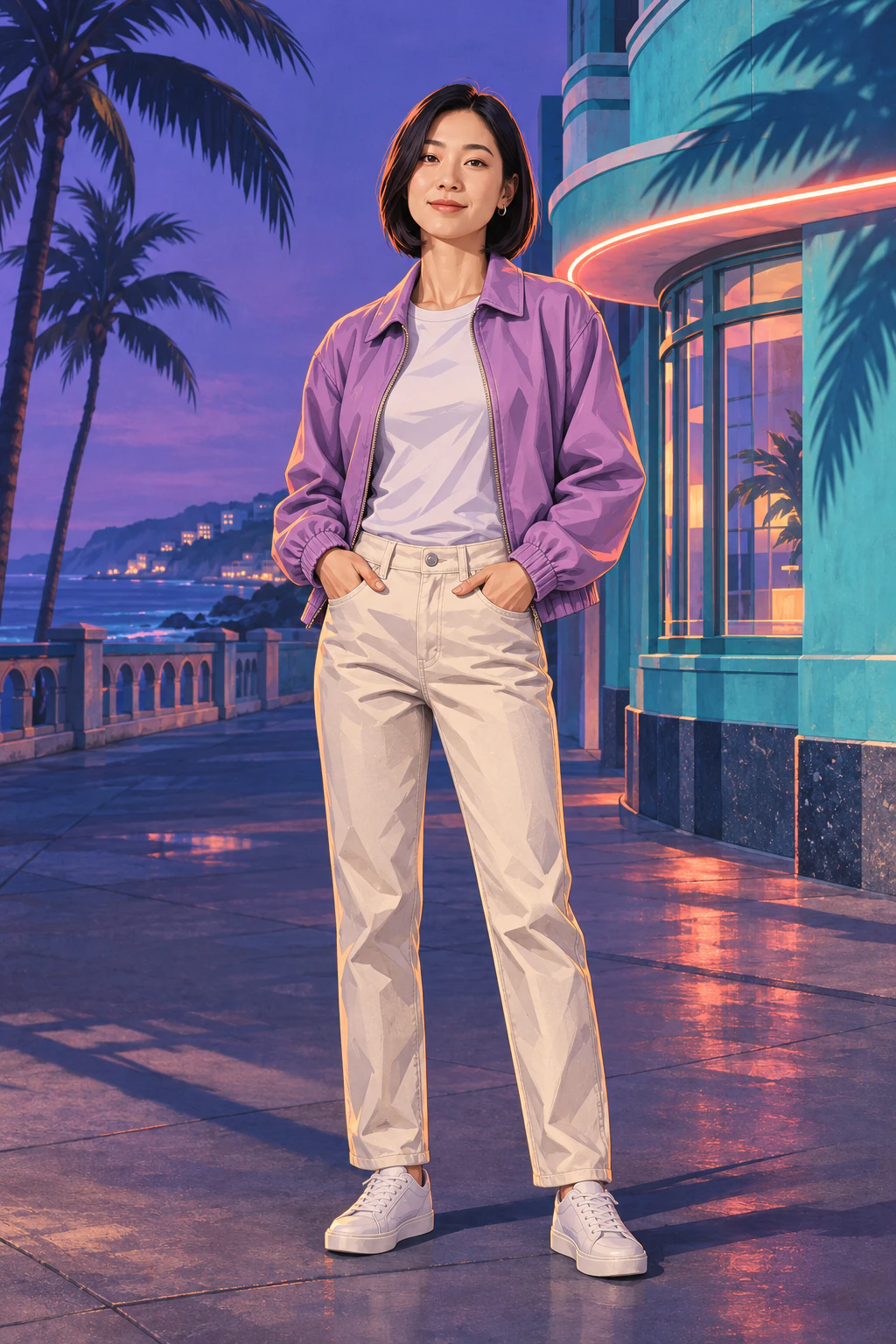
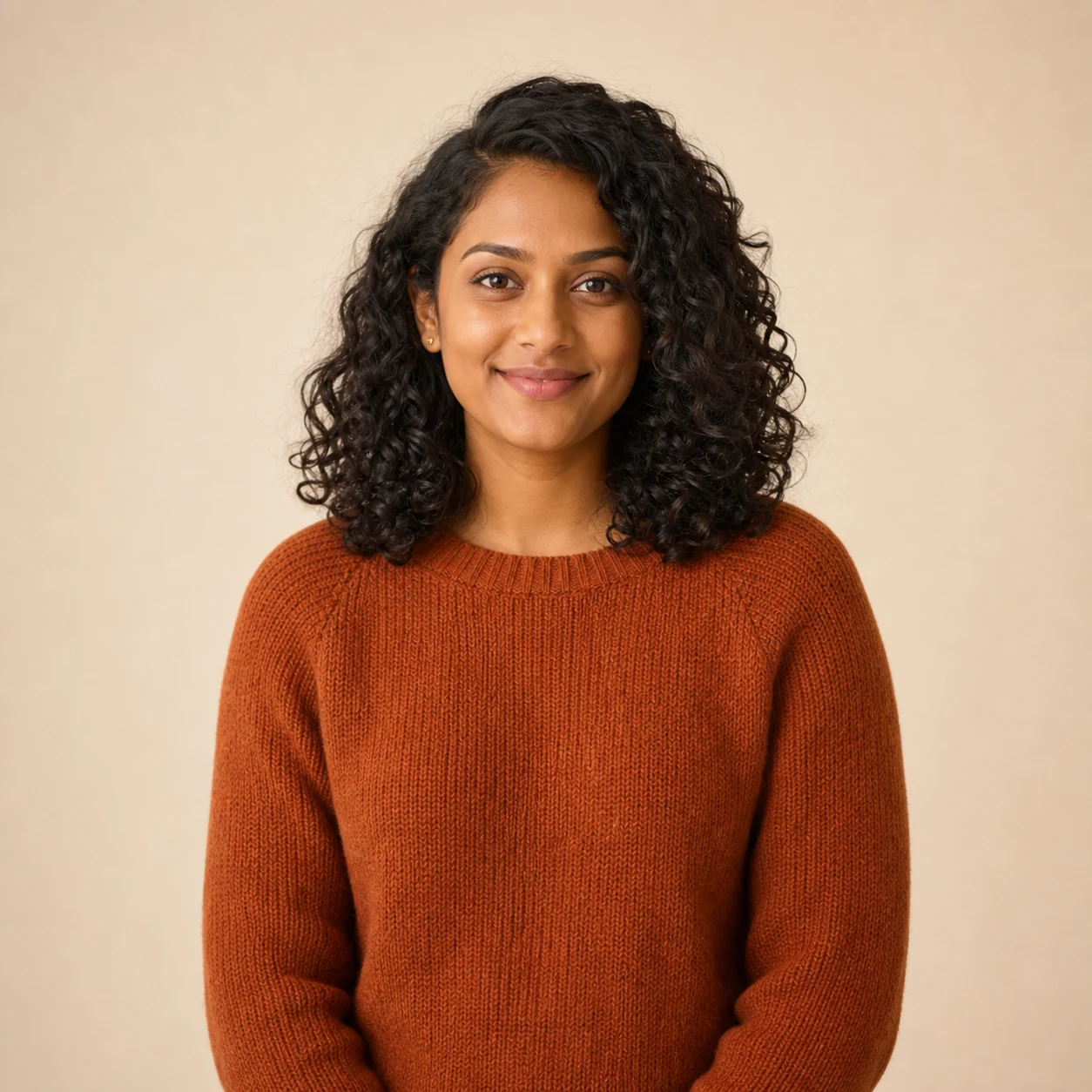
 Source photo
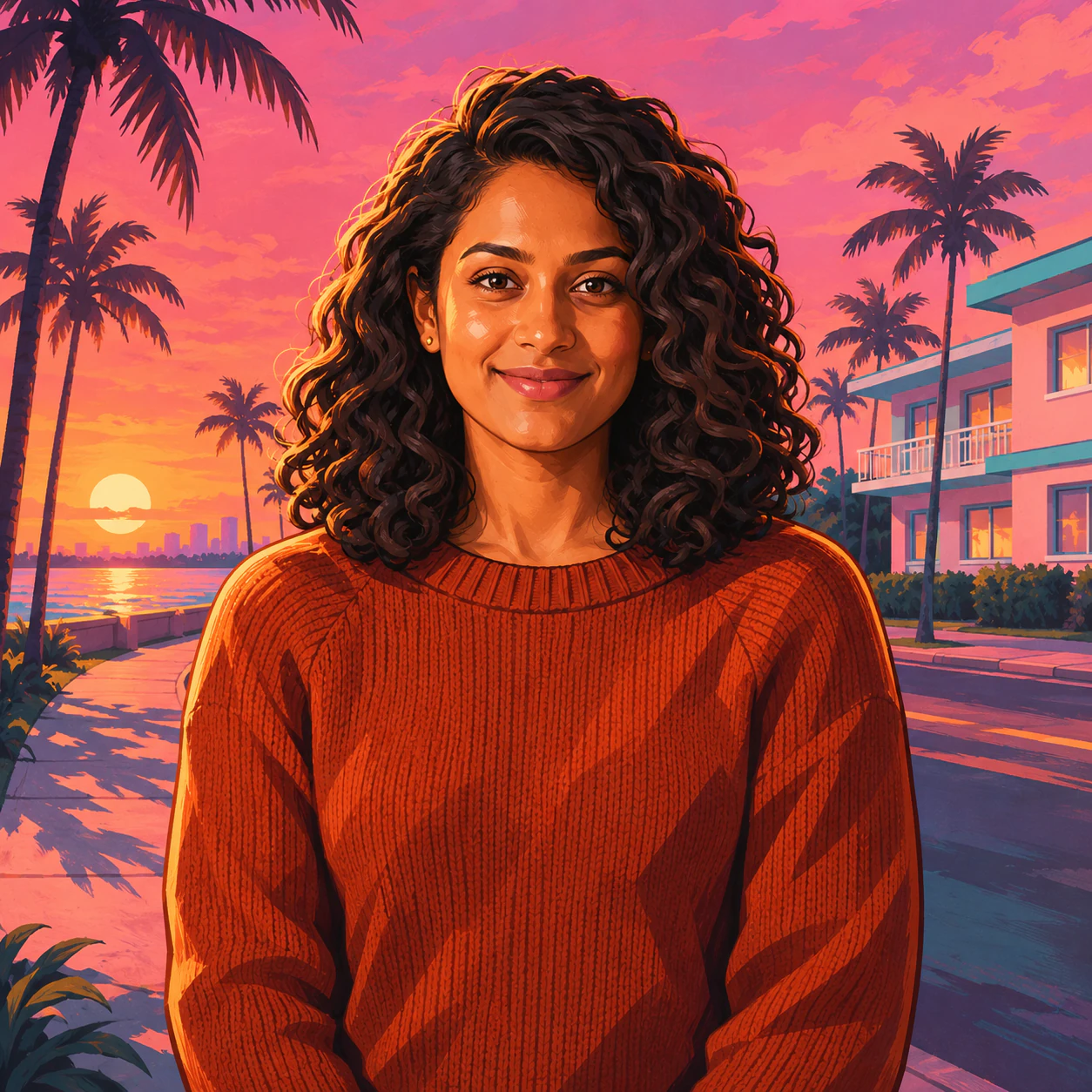 Sunset portrait
Choose a selfie that reads well at avatar size
Open a few photos at thumbnail size. Pick one where you can still recognize your expression. A window-lit, head-and-shoulders photo gives the illustration room to describe the jaw, hair and shoulders. If sunglasses cover an eye you want to see in the poster, choose a clearer frame.
Generate one portrait
- Open the GTA AI Filter and select Upload photo. Check the thumbnail to make sure you picked the right picture.
- Leave the coastal poster preset as it is for your first try. Choose Generate image · 5 credits when you are ready.
- Compare the result with your source. Check the shape of your smile, the part in your hair and the skin around your eyes before downloading.
Check the circle before you post
Download the full image, then make a copy in your phone’s photo editor and choose a square crop. Keep the face near the center with space above the curls and below the chin. Open the picture in your profile editor and check the circular preview at its smallest size.
If the circle clips your hair, widen the crop on the saved image. Keep the original square for a feed post where the palms and skyline can stay in view. Adjusting the saved copy takes no additional MendTrue credits.