GTA AI Filter
Turn your photo into a sunlit coastal game poster.See your selfie as a coastal game poster.

 Original
From an outfit photo to a blue-hour street
The jacket stays lilac, both hands meet the pockets and both shoes stay in frame against the blue pavement.
Try the blue-hour prompt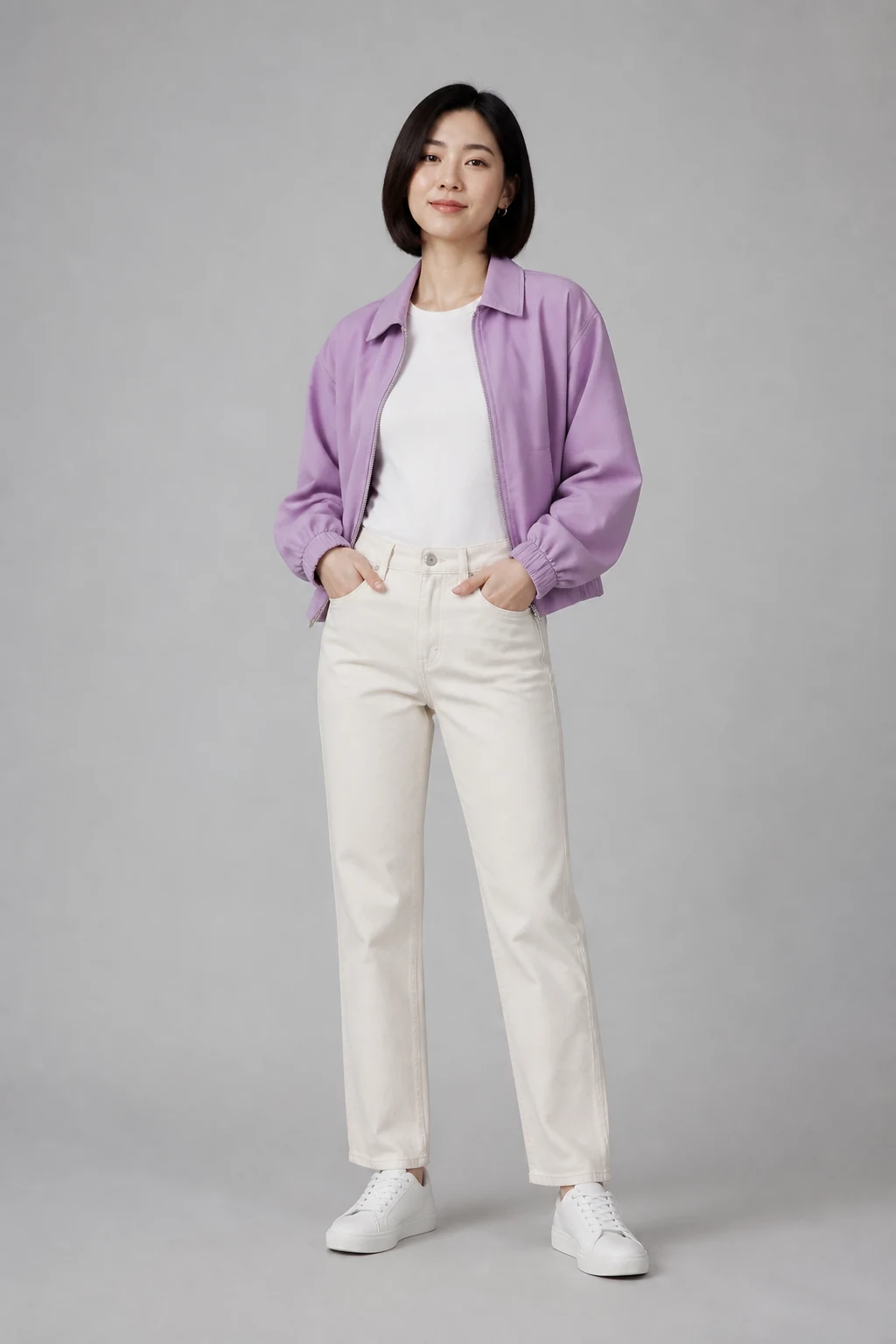 Original
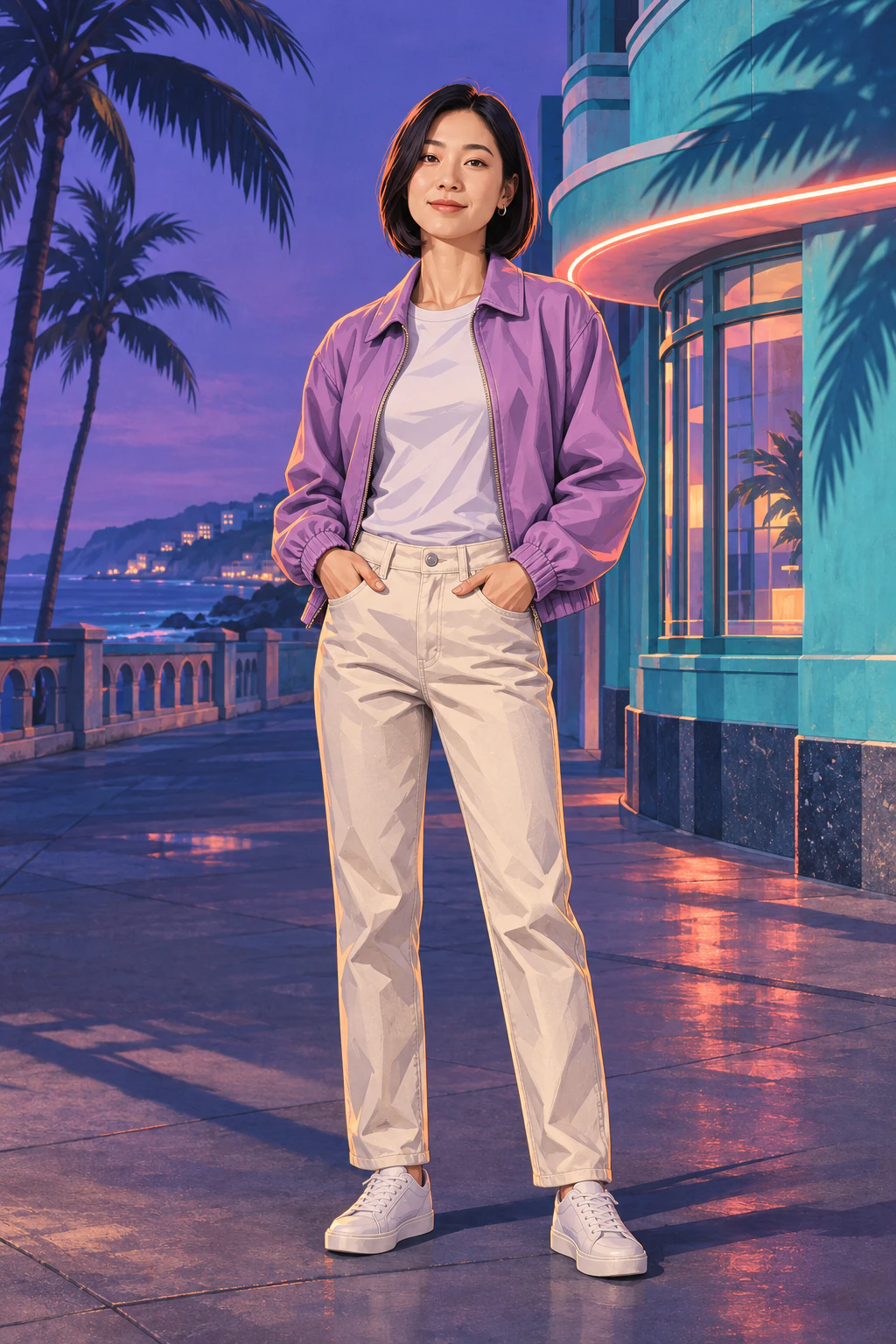 Illustration
How to use the GTA photo filter online
- Choose a clear photo. Pick a selfie or a full-length portrait. Check your local preview before submitting.
- Generate your poster. Use the preset or add a lighting direction. Select Generate image to spend 5 credits on one illustration.
- Download the image. Compare it with the original, save the full frame and crop a copy for your social profile.
GTA AI filter questions
What is a GTA photo filter?
MendTrue’s GTA-style AI photo filter turns one uploaded photo into one illustrated coastal game poster. The preset adds inked contours, painted shadows and palm-lined scenery. Each generation costs 5 credits.
Is the GTA AI filter free?
Browsing the examples, previewing your selected photo and copying the prompt are free. Generating one new image uses 5 MendTrue credits. Downloading that result takes no additional credits.
What does the GTA 6 AI filter look like?
The examples show a sunset portrait and a blue-hour street scene. Look at the same curls, sweater or jacket in each source photo and illustration. The finished lighting and facial details will vary with your photo.
Do I need to write a prompt?
The coastal poster preset is ready when you upload a photo. Open Add a direction to request blue-hour lighting, a particular setting or a detail you want to keep.
An independent photo effect by MendTrue. The examples use original illustrations based on synthetic portraits.